
Kachingo Sign Up
Kachingo sign up explained for UK players: the site closed on 30 June 2026, what that means for new and existing accounts, and what to do next.
Common sign-up problems at Kachingo
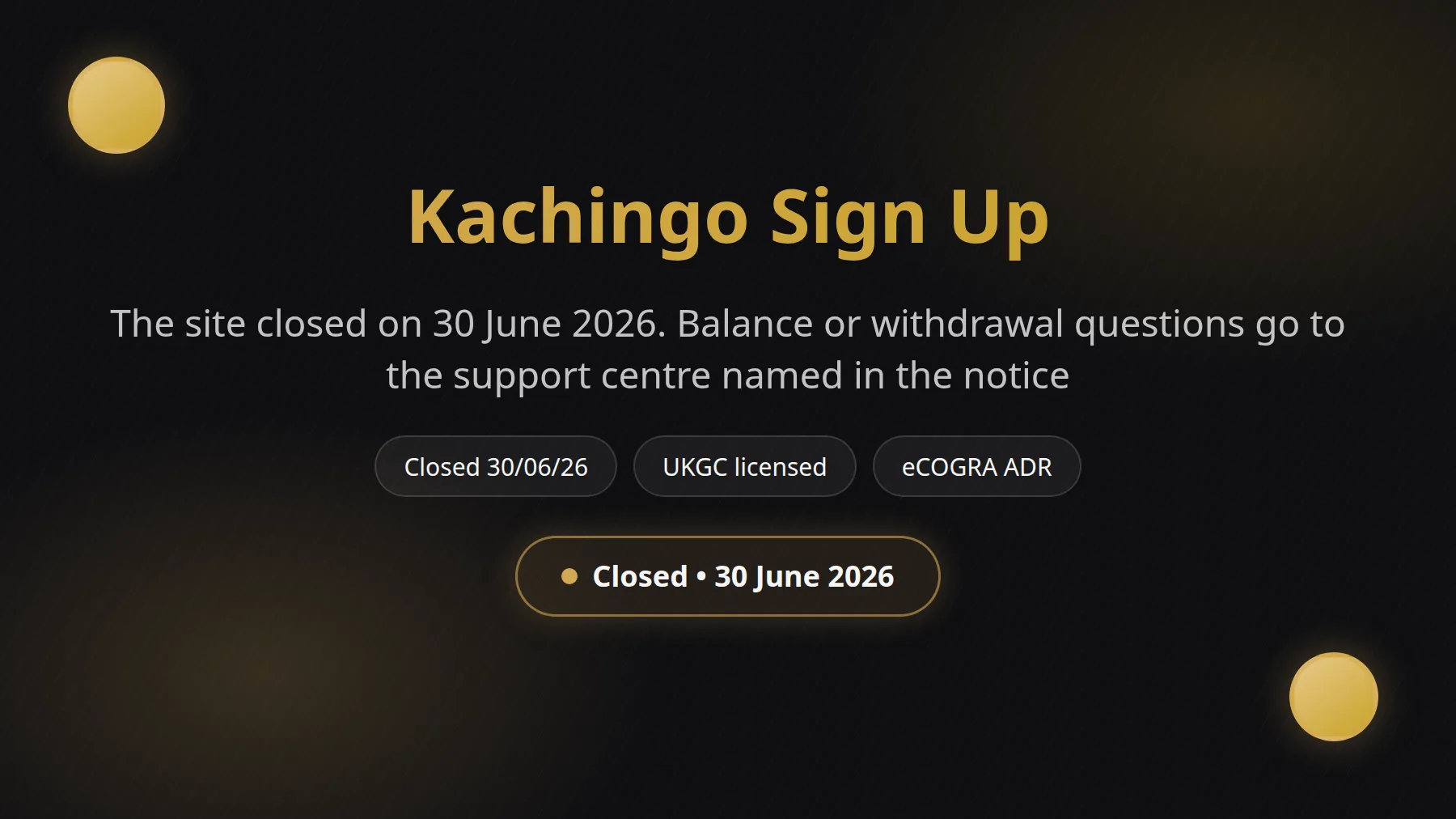
New Kachingo accounts can no longer be opened: the website stopped operating on 30 June 2026. The brand was run by AG Communications Limited, licensed by the UK Gambling Commission. If you already hold an account with a balance or a pending withdrawal, there is a clear route to sort it out, and this page walks you through it.
The most common problem is also the simplest one: the Kachingo registration form can no longer be completed. The official brand website now shows UK visitors a closure notice stating that it is no longer operational as of 30/06/2026. A page that once loaded a form now shows only that notice, and clearing the cache, switching browsers or retyping your details will not change it. Knowing this up front saves a lot of time and avoids pointless attempts to register.
Old links and bookmarks
Links saved from 2025 or early 2026 point to the closed site. They lead to the closure notice rather than a registration form, so nothing is wrong with your device or your connection.
Lookalike addresses
Be careful with similar names. The .co.uk version of the name is a parked domain with no connection to the casino, so never enter personal or card details on a page you reached that way.
Bonus codes that do nothing
Welcome offers quoted in older articles cannot be claimed any more, because no new accounts are being opened. If you see a Kachingo offer somewhere, treat it as out of date.
Age and identity checks
On any UK-licensed site you must be 18 or over, and your name, date of birth and address must match your ID. A mismatch is the usual reason a sign-up stalls at verification.
GAMSTOP registration
If you have registered with GAMSTOP, UK-licensed sites must refuse your registration. That is a protection working as designed, not a fault, and it lasts as long as your exclusion period.
If none of these describes your situation, check the basics: a current browser, a stable connection and details typed exactly as they appear on your ID. Many people also assume that a failed attempt means their own details were rejected, when the real reason is simply that the brand has stopped taking new players. It is worth keeping that in mind before you start contacting your bank or changing passwords elsewhere, since neither will help here.
For a general look at how joining used to work on this site, see How to Join Kachingo. For anything about an existing account, the login guide explains what you will and will not see today.
What to do if sign-up did not work
Start by working out which situation you are in. Players tend to fall into two groups. The first group never had an account and simply wanted to register; for them there is no fix, because the registration page is gone, and the useful thing is to avoid unofficial pages that claim to offer it. The second group already had an account, perhaps with money in it or a withdrawal in progress, and for them there is a proper process.
- Do not try to register through third-party pages, forwarded links or messages that promise a Kachingo account.
- Never share your password, full card number or ID documents with anyone who contacts you first about a Kachingo account.
- If you were mid-registration when the site closed, nothing further is needed from you and no action is outstanding.
- If you have a balance or a pending withdrawal, contact the support centre named on the closure notice.
- If you are unhappy with the final reply, or 8 weeks have passed, the notice points you to eCOGRA ADR for complaints.
- If gambling has stopped being fun, GAMSTOP, BeGambleAware and GamCare offer free, confidential support.
Step by step: what to do now
-
1
Read the closure notice
Open the official brand website and read the message. It confirms the site stopped operating on 30/06/2026 and says what account holders should do about balances and withdrawals.
-
2
Gather your account details
Find the email address you registered with, your username if you had one, and roughly when you last deposited or withdrew. Having these ready speeds up any reply.
-
3
Contact the support centre
If you have a balance or pending withdrawal, write to the Aristocrat support centre using the address on the notice. Mention your registered email and the amount involved.
-
4
Keep a record
Save screenshots of your balance, transaction history and every message you send or receive. Dates and reference numbers matter if you need to escalate later.
-
5
Allow a fair wait
Give the support centre time to respond. The complaints route opens if you are unhappy with the final response or after 8 weeks without one.
-
6
Escalate to eCOGRA ADR
If the matter is still unresolved, you can refer it to eCOGRA, named in the notice as the alternative dispute resolution provider for complaints.
About screenshots: the closure notice is a single short page, so there is no multi-screen registration flow to capture any more. The screenshots worth taking are your own. A clear image of your balance, your transaction list and the closure notice with its date gives you a tidy evidence trail, and it takes under a minute. Store them somewhere safe, along with the replies you receive.
When you write to the support centre, keep the message short and factual. State your registered email, the date of your last transaction, the amount you believe is held and what you are asking for. Avoid sending passwords, full card numbers or copies of ID in the first message. If the team needs anything further, they will tell you what is required, and you can then decide what to share.
How joining a UK casino normally works
Many readers land here wanting to understand how registration works at a UK-licensed casino in general, so here is the usual path. Every UK-licensed operator must confirm that you are 18 or over before you can gamble. That means asking for your full legal name, date of birth, home address, email and a password, and then checking them against identity data. Most checks happen in the background within seconds. Some players are asked for a passport or driving licence photo and a proof of address. This describes the standard UK pattern, not the closed brand's own form, whose fields were not published.
| Detail | Typical rule |
|---|---|
| Age | 18 or over |
| Name | Matches ID |
| Address | UK residence |
| Active inbox | |
| Payment | Own debit card |
| Password | Strong, unique |
Swipe to see the full table
These are the usual expectations at UK-licensed sites. Credit cards are banned for gambling in the UK, so a debit card or another method in your own name is the norm. Mismatched names or addresses are the most frequent cause of a delayed account.
After the form, operators usually send a confirmation email or code. Verification can then continue after your first deposit, particularly before a withdrawal. Keeping your documents clear, in date and in your own name means this stage rarely takes long. If a site asks for payment details before it has shown any licence information, treat that as a warning sign and leave the page.
What changed over the last year
- Website status
- Closed 30/06/2026
- Last operator
- AG Communications Limited
- Regulator
- UK Gambling Commission
- Register account
- 39483
- Complaints body
- eCOGRA ADR
The big change is the one above: the brand closed on 30 June 2026, so the sign-up route that existed through 2025 and early 2026 is no longer open. The operator, AG Communications Limited, is part of the Aspire Global and Aristocrat group and is listed on the UK Gambling Commission public register under account number 39483, with Casino, Bingo and General Betting licences marked as active.
UK rules have not stood still either. Stake limits on online slots are £5 per spin for players aged 25 and over and £2 for ages 18 to 24, and gambling is paid for with a debit card, not borrowed money. Affordability and identity checks are now a normal part of joining any UK-licensed site, which is why accurate details matter. If you are reading older guides, remember they describe a site that was open at the time.
Staying safe when you register anywhere
- Check the operator and licence number on the UK Gambling Commission public register before you register.
- Use details exactly as they appear on your ID, so verification goes through first time.
- Pay with a debit card or another method in your own name, never someone else's.
- Set deposit limits at the start, while you are calm and thinking clearly.
- Check GAMSTOP if you want a break from all UK-licensed sites at once.
- Be wary of any message offering bonuses you did not ask for.
Gambling should stay an occasional entertainment, never a way to solve money worries. If you ever feel it is taking over, GAMSTOP can block access across UK-licensed sites, BeGambleAware offers advice and tools, and GamCare runs a free helpline and chat. Each of them is free and confidential, and reaching out is a sensible step. You can also read about the site team on the About Us page, or the terms for background on how the site was run.
Explore Kachingo Casino
Kachingo sign up: your questions answered
Can I still sign up at Kachingo?
No. The official website shows a notice saying it is no longer operational as of 30/06/2026, so new registrations are not possible. If you see a page offering to open a Kachingo account, do not enter any personal or payment details on it.
Why does the official website only show a notice?
The brand closed on 30 June 2026. UK visitors now see a closure message instead of the lobby and registration form. The message is the official word from the operator, and it explains what account holders should do about balances and withdrawals.
I have money in my account. What should I do?
The closure notice asks players with an account balance or a pending withdrawal to contact the Aristocrat support centre at the address shown on the notice. Have your registered email and the amount ready, and keep screenshots of your balance and any replies for your own records.
Is the Kachingo welcome bonus still available?
No. Welcome offers go to new accounts, and none are being opened now. Any bonus figures you find in older articles are out of date, so please do not rely on them. You can browse the bonuses page for general background on how offers on this site were presented.
Who operated Kachingo, and was it licensed?
The closure notice says the website was operated by AG Communications Limited, licensed by the UK Gambling Commission. The public register lists the company under account number 39483, with active Casino, Bingo and General Betting licences.
Where can I take a complaint that is not resolved?
Start with the support centre named on the notice. If you are unhappy with the final response, or 8 weeks have passed without one, the notice points to eCOGRA, the alternative dispute resolution provider for complaints. Keep your messages and screenshots in case you need them.
Is the .co.uk version of the name the same casino?
No. That address is a parked domain with no connection to the casino. Never type your name, address or card details into a page reached through it, or through any link you cannot trace back to the official closure notice.
What do I need to register at any UK casino?
You must be 18 or over and use your real name, date of birth and UK address. Expect an identity check, and pay with a debit card or another method in your own name, since credit cards cannot be used for gambling in the UK.
Ready to Join Kachingo?
Open an account in a few minutes and check the current welcome offer for UK players before you make a first deposit.
Licensed & Regulated • 18+ Only • BeGambleAware